How many times have you had to explain the same thing to an AI assistant again? Who a client is, what you decided for a project, or how you want a particular task done.
If you use AI every day, repeating that context takes time and fills up your conversation. The more you work, the harder it becomes to keep things consistent: you make a decision in one chat, explain it differently five conversations later, and end up with several versions of the same decision.
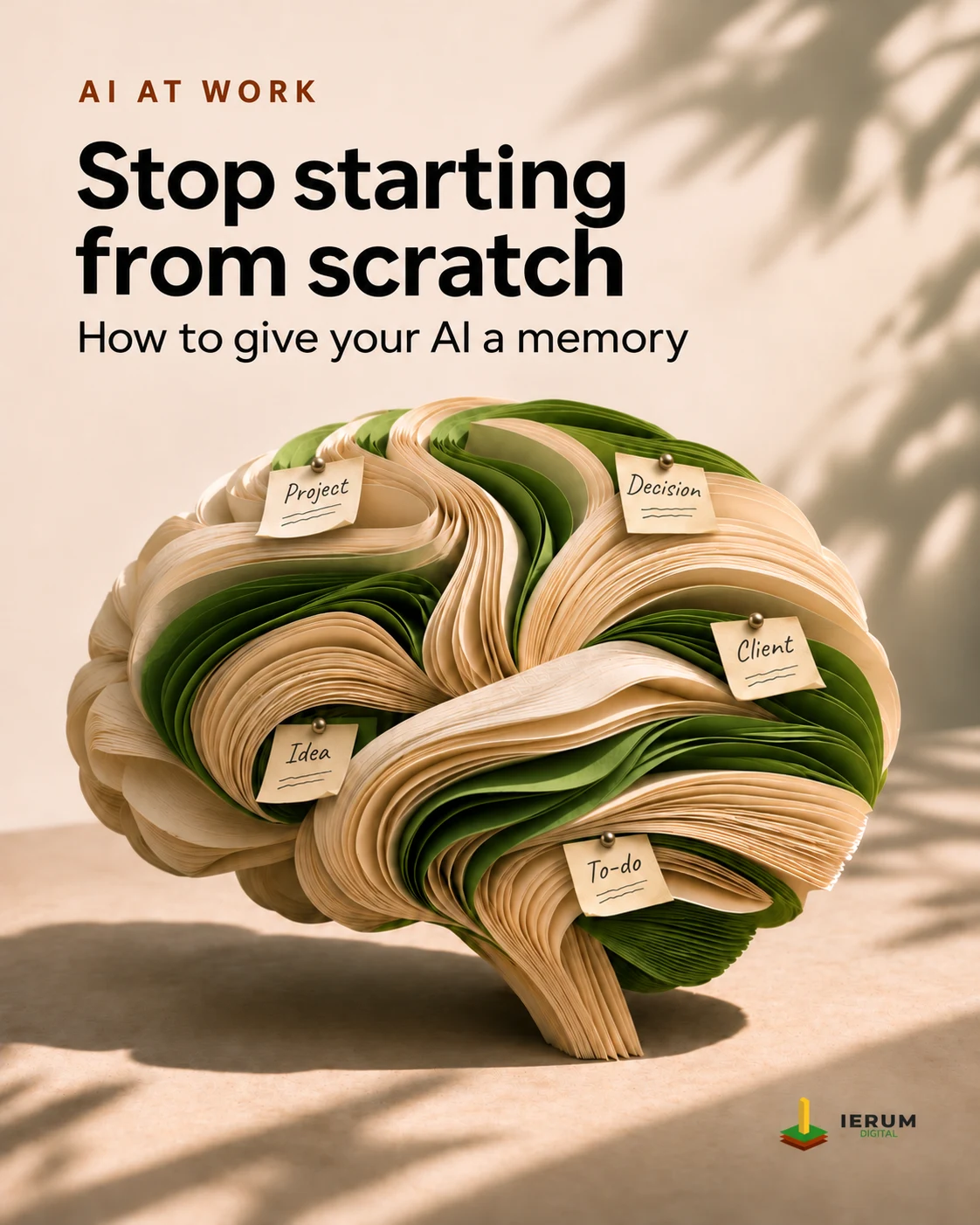
A second brain is meant to solve that problem: keep important context in one place, update it when things change, and let your assistants consult it when needed. You don't have to start with a complicated tool.
Your first step can be a text file
Imagine you're developing a course with AI. Create a file called course.md that describes the audience, the topics, what you've decided to leave out, and how the classes will work.
Next time you work on it, ask your assistant to read that file before continuing. If the syllabus changes, update the document. You no longer have to rely on the assistant remembering an earlier conversation correctly.
Markdown works well because you can write headings, lists, and links in a simple format without servers or special software. Link several documents together and you have a wiki. Obsidian, for example, makes those notes easy to navigate and visualizes their relationships.
If you only have a few projects and can maintain those files, that may be all you need. It's also worth checking the memory features already built into your assistant: some can save preferences and project instructions, although they don't always share them with other tools.
Stop decisions from contradicting each other
The problem grows when you're working on several things at once: a course, a client proposal, and an application. You don't want your assistant mixing commercial terms with technical decisions, or using an outdated version after you've changed your mind.
The answer is to organize memory by project, make it clear which information is current, and keep a change history when it matters. Each assistant should consult the relevant source before answering or acting. If it finds conflicting decisions, it's better to flag them than to pick one at random.
Andrej Karpathy's LLM Wiki proposal takes this a step further: an agent can incorporate new sources, summarize them, connect related topics, and update a Markdown wiki. It's an interesting approach when your knowledge grows faster than you can organize it manually.
Let the assistant find what matters instead of reading everything
Eventually, a knowledge base might contain hundreds of documents. Sending all of them to a model for every question would be impractical and often expensive.
Retrieval systems solve this by finding only the passages related to a question. Alongside keyword search, they can use semantic search with embeddings, which helps find text with a similar meaning even when it uses different words.
This is a common pattern in RAG systems. Ask what was agreed about a course, and the assistant can receive the relevant passages and references instead of your entire work history.
The potential payoff is twofold: less irrelevant information in the context and, when retrieval is implemented well, fewer tokens spent. That can lower costs and let you get more work done with the same budget. It isn't automatic: searching, storing, and maintaining information also have costs.
Memory that doesn't belong to just one chat
Maybe you use one assistant on the web, another on your computer, and a third for specific tasks. If each has its own memory, you're back to repeating and synchronizing decisions.
A shared source lets all of them access the same context, provided they have the right permissions. The Model Context Protocol (MCP) is one way to connect compatible assistants to external data and functions.
Think of someone managing clients. When they mention Mariano, their assistant could look him up in the CRM, see previous conversations, and find outstanding tasks. If they then need to schedule a meeting, it could use another authorized tool. Remembering information and taking action are different capabilities, but together they make an assistant much more useful.
These capabilities need structure: permissions, separation between projects, and rules for correcting data. A centralized memory doesn't manage itself simply because it exists.
What do you actually need?
- To stop repeating instructions: start with your assistant's built-in memory or a Markdown file.
- To connect notes and research: try a local wiki such as Obsidian or an approach like LLM Wiki.
- To retrieve information across many documents: look at tools with semantic search.
- To keep continuity across sessions: projects such as Engram by Gentleman Programming and Claude-Mem explore this problem.
- To share context across several assistants: consider an external source connected through MCP. PocketVault and ShroomUp are two different approaches to knowledge and operational context.
You don't need to install everything. Start with the problem that wastes the most time, then choose something you can realistically maintain.
The goal: get more done, explain less
When your decisions are organized, you can correct them once and retrieve them whenever they're needed. You don't have to reconstruct weeks of work or fill every conversation with background your assistant could look up.
A good second brain won't make AI infallible. But it can help you maintain continuity, reduce contradictions, and make better use of the time and resources you invest in it.
The best memory isn't the one that stores the most information. It's the one that keeps you from starting over.
Further reading: Karpathy — LLM Wiki · Obsidian · MCP · Engram · Claude-Mem